JASON BROWN
PASSION PROJECT — PROSPECTIVE
Skip to Song —
Disney+ Feature
ROLE
Solo Designer, Tired Dad
DURATION
Ongoing
TOOLS
Figma, FigJam
PROJECT TYPE
Passion Project
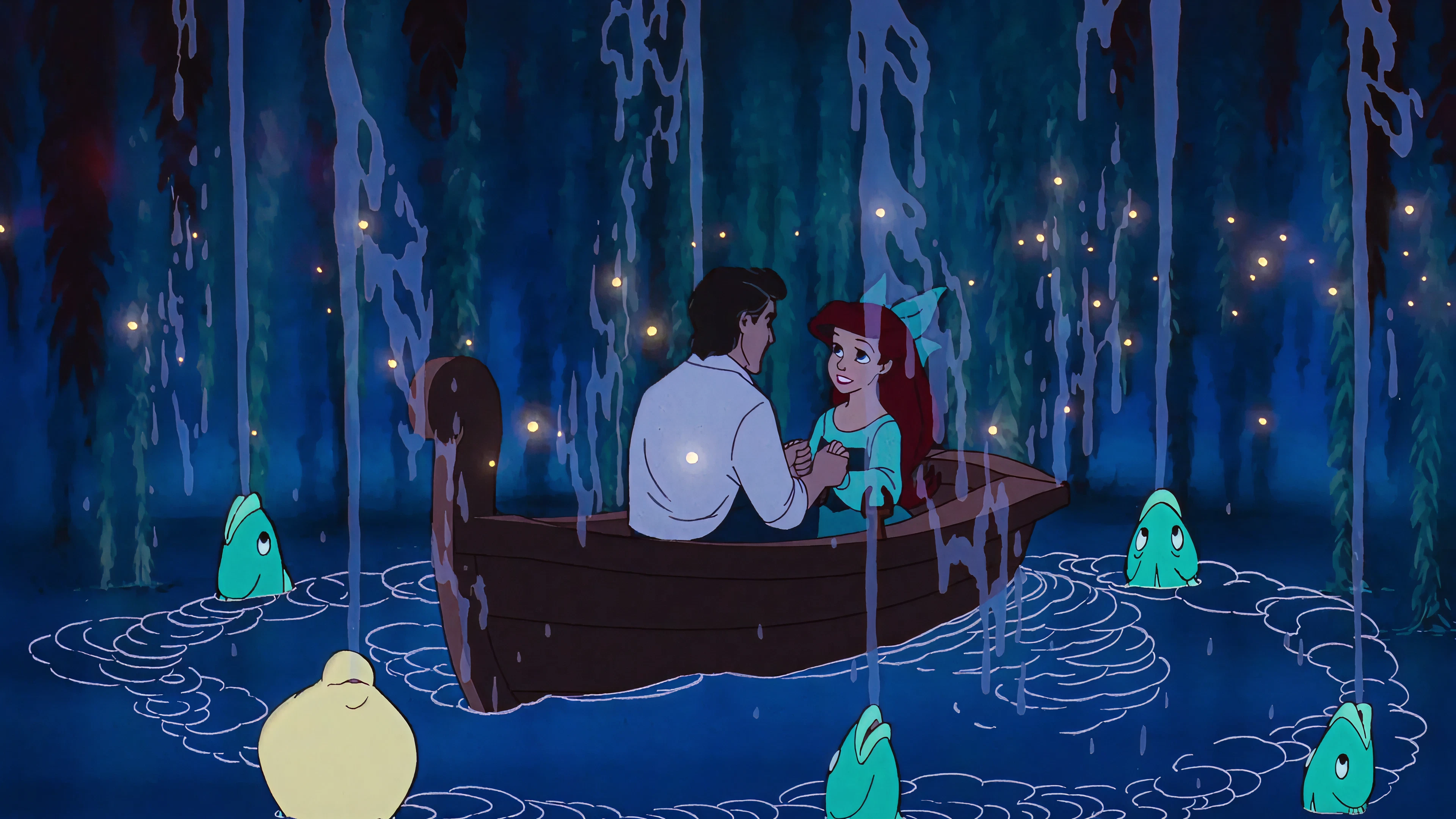
The Little Mermaid


26:39

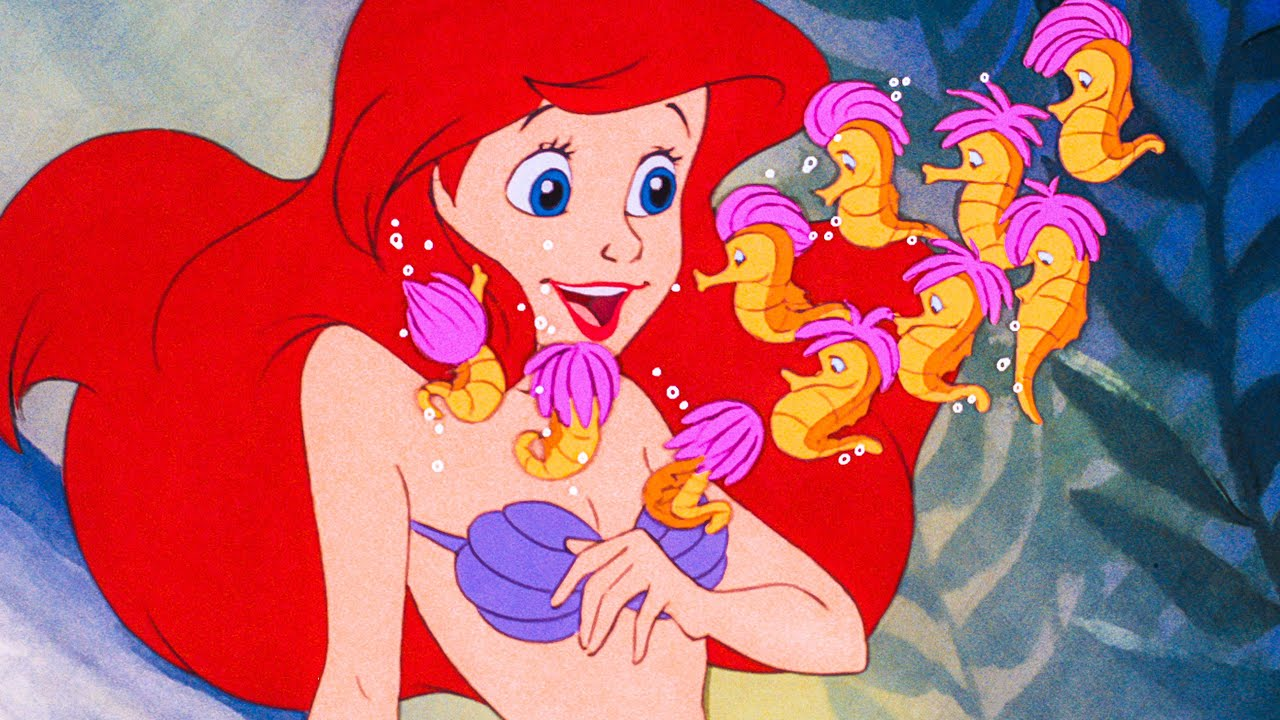
Part of Your World
Under The Sea
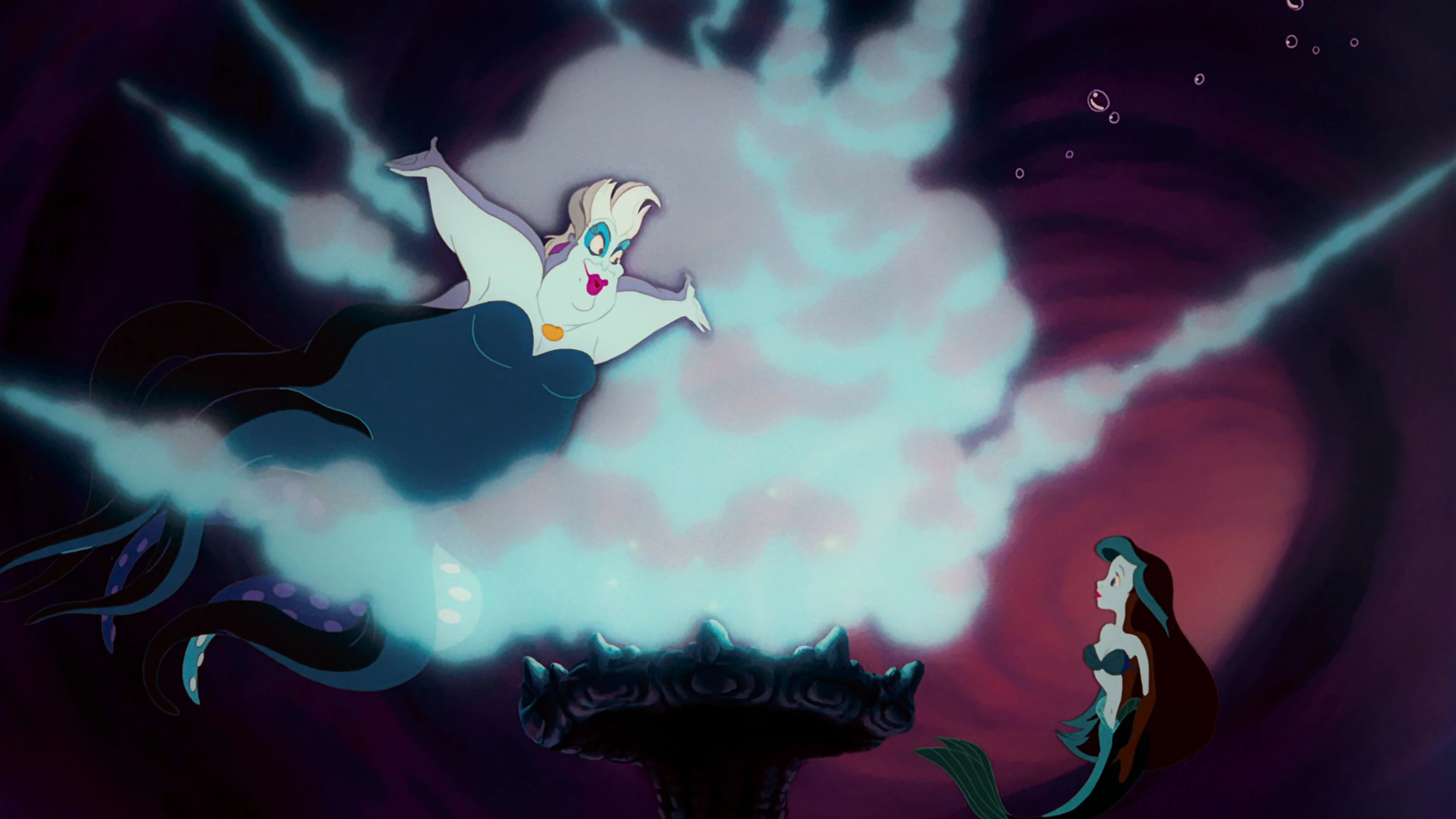
Poor Unfortunate Souls
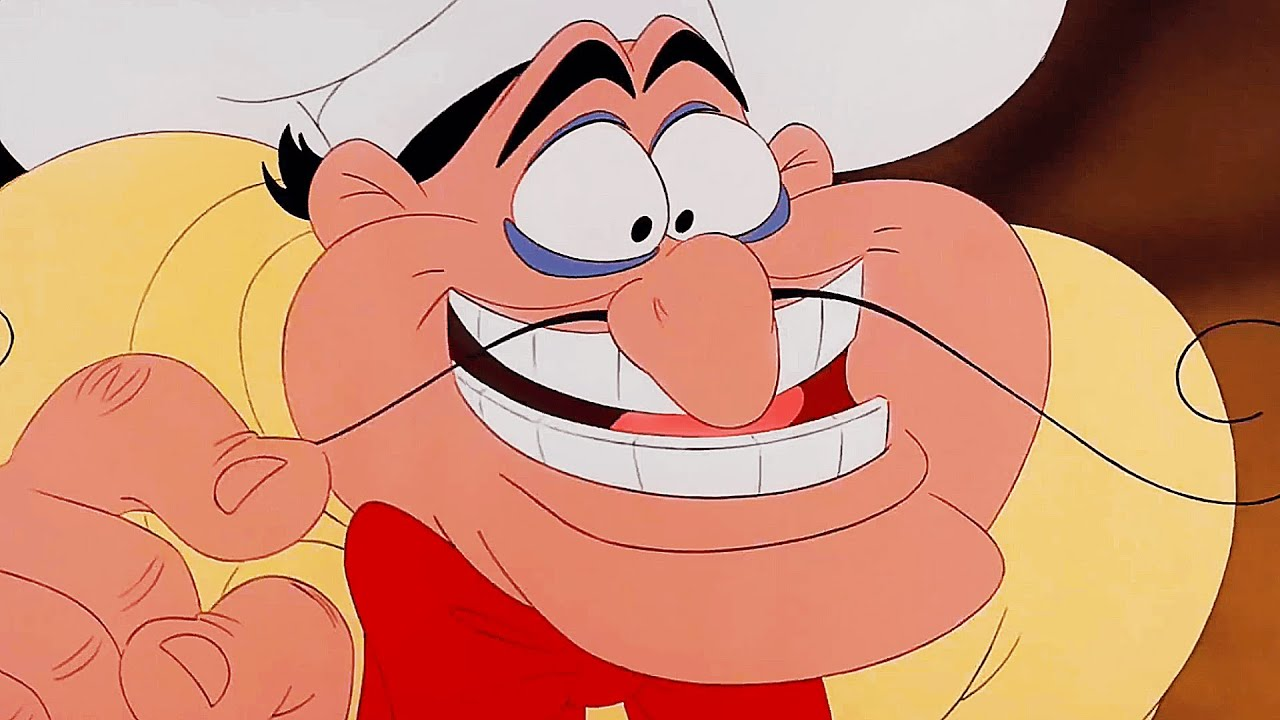
Les Poissons
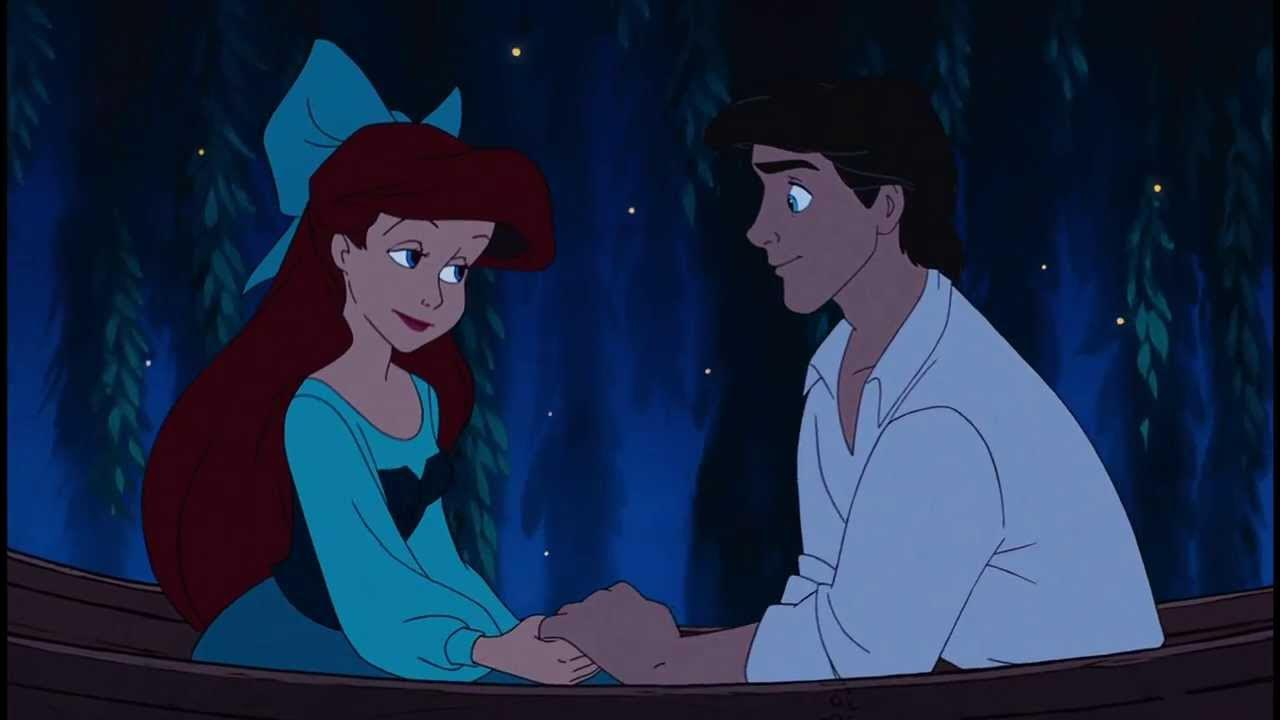
Kiss The Girl
Introduction
THE REQUEST
While driving with my daughter on a long car trip, she wanted to watch a movie, but only the songs from it. She wanted to skip straight to that part within the streaming service.
THE USERS
My 6-year-old daughter, but honestly, anyone would benefit from it.
THE SOLUTION
A slideable panel below the player controls that opens a modal with the songs separated out, letting users click and jump right to that section of the movie.
The Process
Brainstorming
Taking inspiration from the “Skip Intro” button, this seemed straightforward to implement: simple dots on the play bar marking each song, with a double-arrow indicating a slide-up reveal. Intended for both the Original and Sing-Along versions of any musical.
GOALS FOR REDESIGN
✓
Instantly recognizable song thumbnails
✓
Reduce cognitive effort to find a scene
✓
Keep the existing playback timeline intact
✓
Extend across Disney’s musical catalog
The Little Mermaid


26:39
Part of Your World
Under The Sea
Poor Unfortunate Souls
Les Poissons
Kiss The Girl
User Scenarios & Pain Points
The Parent on a Long Drive
PAIN POINT
My daughter only wants to hear the songs from a movie, but scrubbing through a timeline one-handed while driving isn’t safe — and I can’t tell where a song starts just from a thumbnail.
GOAL
Get straight to the musical numbers without fumbling with a blind scrub bar.
The Repeat-Watch Kid
PAIN POINT
My daughter wants to replay her favorite song five times in a row, but restarting the whole movie or guessing where to scrub means she gives up or asks for help.
GOAL
Tap a song thumbnail and jump straight back to it, independently, every time.
Ideate / Prototype
FROM THIS
The Little Mermaid


26:39
Part of Your World
Under The Sea
Poor Unfortunate Souls
Les Poissons
Kiss The Girl
TO THIS
The Little Mermaid


26:39
Part of Your World
Under The Sea
Poor Unfortunate Souls
Les Poissons
Kiss The Girl
Key Design Decisions
1
Dots instead of a full song list
Kept the existing scrub bar familiar rather than replacing it outright.
2
Thumbnails over text labels
A 6-year-old can’t read fast enough to pick from a list, but she can recognize a scene.
3
Slide-up reveal instead of a new screen
Keeps the movie playing in the background so nothing feels lost.
What I Tested
If I were to actually test this with my daughter, she would be frustrated that song wouldn’t play, so I used my wife. She was able to navigate simply to the next song as was built. She mentioned that the swipe was too close to the native devices multi-tasking feature, causing the app to swipe out entirely. More padding was adding in the next design pass.
The Results
This feature reimagines how users navigate musical films by transforming timeline scrubbing into an intuitive, song-based experience. Rather than treating musicals as linear content, it acknowledges that people often rewatch their favorite moments.
By prioritizing speed, discoverability, and delight, “Skip to Song” creates a more engaging viewing experience while encouraging repeat engagement with some of Disney’s most iconic musical numbers.
Ready to see more?
View Next Project →
JASON BROWN
PASSION PROJECT — PROSPECTIVE
Skip to Song —
Disney+ Feature
ROLE
Solo Designer, Tired Dad
DURATION
Ongoing
TOOLS
Figma, FigJam
PROJECT TYPE
Passion Project
The Little Mermaid


26:39
Part of Your World
Under The Sea
Poor Unfortunate Souls
Les Poissons
Kiss The Girl
Introduction
THE REQUEST
While driving with my daughter on a long car trip, she wanted to watch a movie, but only the songs from it. She wanted to skip straight to that part within the streaming service.
THE USERS
My 6-year-old daughter, but honestly, anyone would benefit from it.
THE SOLUTION
A slideable panel below the player controls that opens a modal with the songs separated out, letting users click and jump right to that section of the movie.
The Process
Brainstorming
Taking inspiration from the “Skip Intro” button, this seemed straightforward to implement: simple dots on the play bar marking each song, with a double-arrow indicating a slide-up reveal. Intended for both the Original and Sing-Along versions of any musical.
GOALS FOR REDESIGN
✓
Instantly recognizable song thumbnails
✓
Reduce cognitive effort to find a scene
✓
Keep the existing playback timeline intact
✓
Extend across Disney’s musical catalog
The Little Mermaid
26:39
Part of Your World
Under The Sea
Poor Unfortunate Souls
Les Poissons
Kiss The Girl
User Scenarios & Pain Points
The Parent on a Long Drive
PAIN POINT
My daughter only wants to hear the songs from a movie, but scrubbing through a timeline one-handed while driving isn’t safe — and I can’t tell where a song starts just from a thumbnail.
GOAL
Get straight to the musical numbers without fumbling with a blind scrub bar.
The Repeat-Watch Kid
PAIN POINT
My daughter wants to replay her favorite song five times in a row, but restarting the whole movie or guessing where to scrub means she gives up or asks for help.
GOAL
Tap a song thumbnail and jump straight back to it, independently, every time.
Ideate / Prototype
FROM THIS
The Little Mermaid
26:39
Part of Your World
Under The Sea
Poor Unfortunate Souls
Les Poissons
Kiss The Girl
TO THIS
The Little Mermaid
26:39
Part of Your World
Under The Sea
Poor Unfortunate Souls
Les Poissons
Kiss The Girl
Key Design Decisions
1
Dots instead of a full song list
Kept the existing scrub bar familiar rather than replacing it outright.
2
Thumbnails over text labels
A 6-year-old can’t read fast enough to pick from a list, but she can recognize a scene.
3
Slide-up reveal instead of a new screen
Keeps the movie playing in the background so nothing feels lost.
What I Tested
If I were to actually test this with my daughter, she would be frustrated that song wouldn’t play, so I used my wife. She was able to navigate simply to the next song as was built. She mentioned that the swipe was too close to the native devices multi-tasking feature, causing the app to swipe out entirely. More padding was adding in the next design pass.
The Results
This feature reimagines how users navigate musical films by transforming timeline scrubbing into an intuitive, song-based experience. Rather than treating musicals as linear content, it acknowledges that people often rewatch their favorite moments.
By prioritizing speed, discoverability, and delight, “Skip to Song” creates a more engaging viewing experience while encouraging repeat engagement with some of Disney’s most iconic musical numbers.
Ready to see more?
View Next Project →
JASON BROWN
Home
Next Project →
PASSION PROJECT — PROSPECTIVE
Skip to Song —
Disney+ Feature
ROLE
Solo Designer, Tired Dad
DURATION
Ongoing
TOOLS
Figma, FigJam
PROJECT TYPE
Passion Project
The Little Mermaid


26:39
Part of Your World
Under The Sea
Poor Unfortunate Souls
Les Poissons
Kiss The Girl
Introduction
THE REQUEST
While driving with my daughter on a long car trip, she wanted to watch a movie, but only the songs from it. She wanted to skip straight to that part within the streaming service.
THE USERS
My 6-year-old daughter, but honestly, anyone would benefit from it.
THE SOLUTION
A slideable panel below the player controls that opens a modal with the songs separated out, letting users click and jump right to that section of the movie.
The Process
Brainstorming
Taking inspiration from the “Skip Intro” button, this seemed straightforward to implement: simple dots on the play bar marking each song, with a double-arrow indicating a slide-up reveal. Intended for both the Original and Sing-Along versions of any musical.
GOALS FOR REDESIGN
✓
Instantly recognizable song thumbnails
✓
Reduce cognitive effort to find a scene
✓
Keep the existing playback timeline intact
✓
Extend across Disney’s musical catalog
The Little Mermaid


26:39
Part of Your World
Under The Sea
Poor Unfortunate Souls
Les Poissons
Kiss The Girl
User Scenarios & Pain Points
The Parent on a Long Drive
PAIN POINT
My daughter only wants to hear the songs from a movie, but scrubbing through a timeline one-handed while driving isn’t safe — and I can’t tell where a song starts just from a thumbnail.
GOAL
Get straight to the musical numbers without fumbling with a blind scrub bar.
The Repeat-Watch Kid
PAIN POINT
My daughter wants to replay her favorite song five times in a row, but restarting the whole movie or guessing where to scrub means she gives up or asks for help.
GOAL
Tap a song thumbnail and jump straight back to it, independently, every time.
Ideate / Prototype
FROM THIS
The Little Mermaid


26:39
Part of Your World
Under The Sea
Poor Unfortunate Souls
Les Poissons
Kiss The Girl
TO THIS
The Little Mermaid


26:39
Part of Your World
Under The Sea
Poor Unfortunate Souls
Les Poissons
Kiss The Girl
Key Design Decisions
1
Dots instead of a full song list
Kept the existing scrub bar familiar rather than replacing it outright.
2
Thumbnails over text labels
A 6-year-old can’t read fast enough to pick from a list, but she can recognize a scene.
3
Slide-up reveal instead of a new screen
Keeps the movie playing in the background so nothing feels lost.
What I Tested
If I were to actually test this with my daughter, she would be frustrated that song wouldn’t play, so I used my wife. She was able to navigate simply to the next song as was built. She mentioned that the swipe was too close to the native devices multi-tasking feature, causing the app to swipe out entirely. More padding was adding in the next design pass.
The Results
This feature reimagines how users navigate musical films by transforming timeline scrubbing into an intuitive, song-based experience. Rather than treating musicals as linear content, it acknowledges that people often rewatch their favorite moments.
By prioritizing speed, discoverability, and delight, “Skip to Song” creates a more engaging viewing experience while encouraging repeat engagement with some of Disney’s most iconic musical numbers.
Ready to see more?
View Next Project →